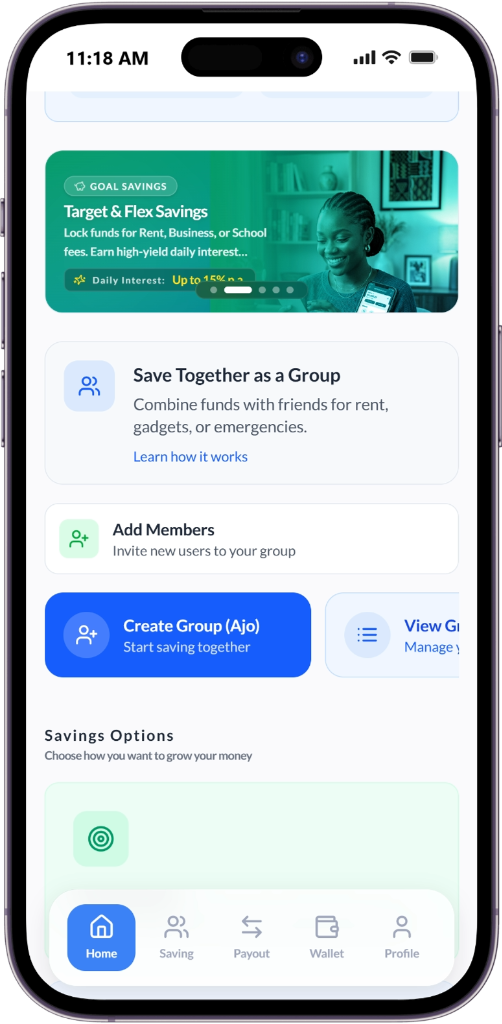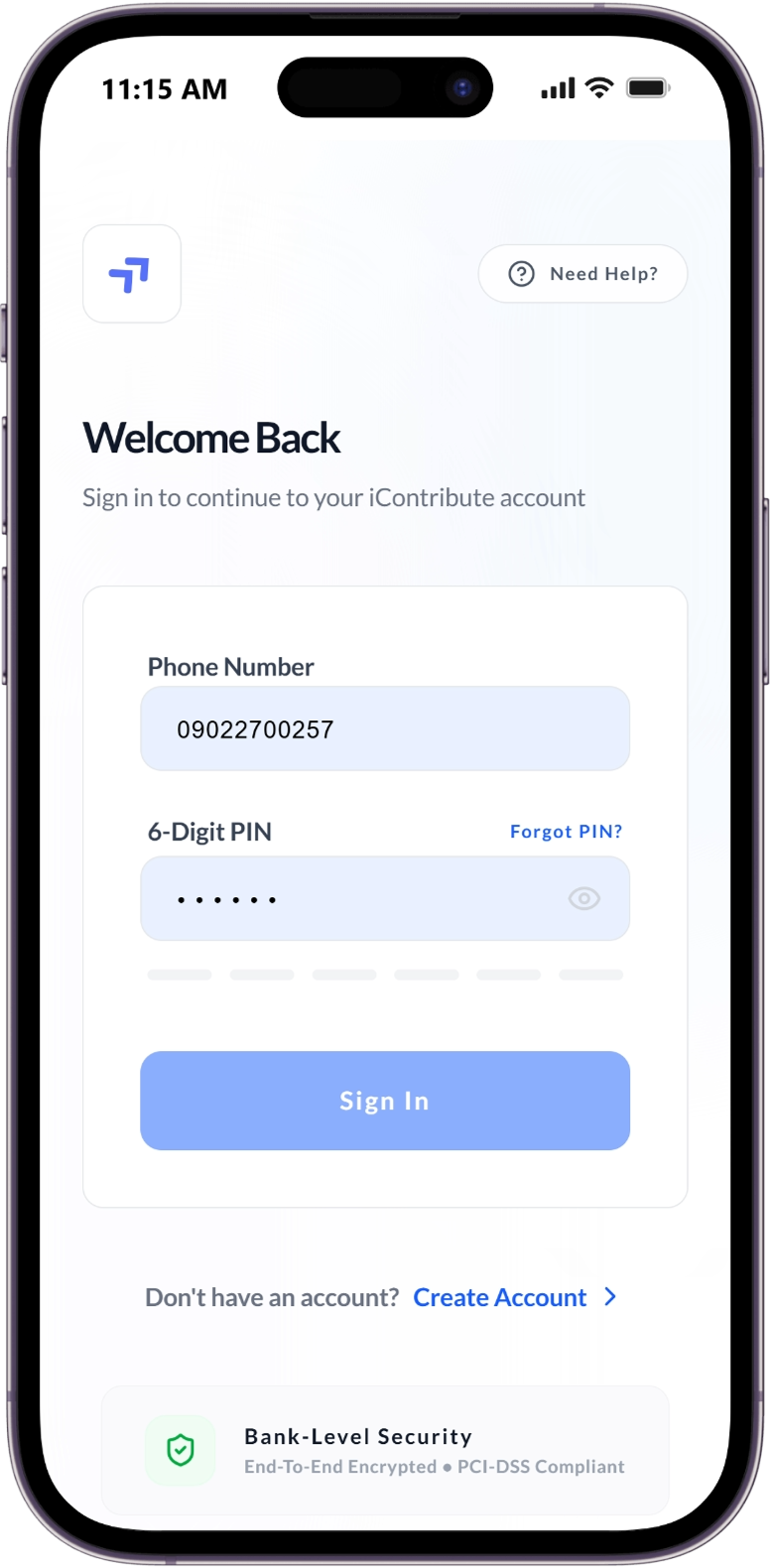
Manage your Ajo and Group Contribution

Save Together. Earn Together.

Icontribute is a community-powered savings platform that digitizes traditional African thrift (AJO) systems—enabling you to save, lend, and grow wealth together.

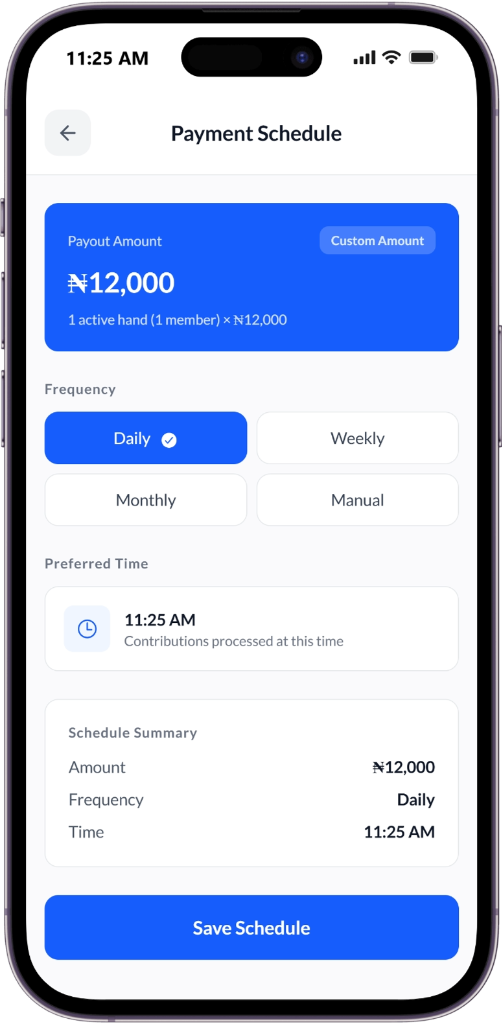
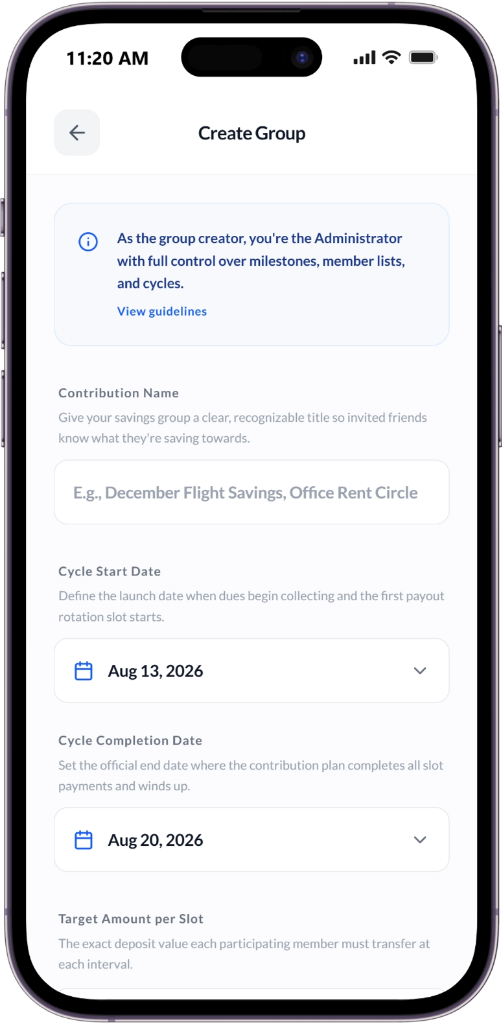
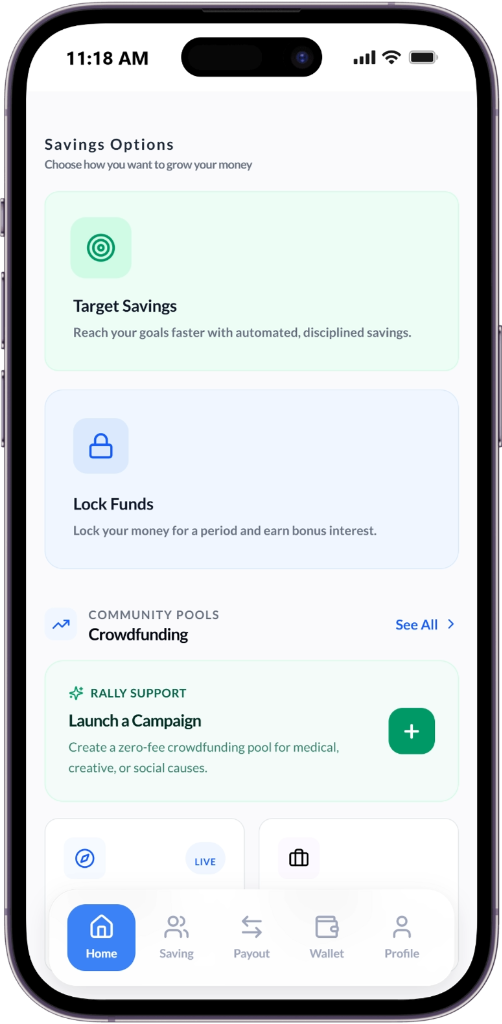
Savings groups list
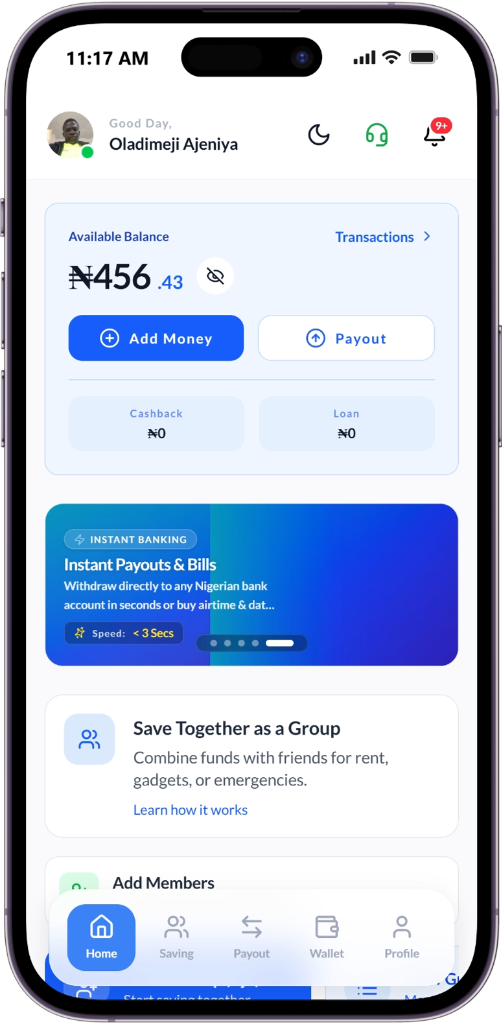
Wallet dashboard
Group details
Transaction history
Trust & Transparency Features

Building Financial Security Together

Community-driven savings, intuitive contribution management, and secure transactions — designed to solve real-world challenges in traditional thrift groups.

No More Hidden Records

Real-time transaction logs visible to all members eliminate disputes and build trust.

Transparency • Security

Secure Leadership Handover

Seamless transition of admin rights ensures continuity, even if the current leader is unavailable.

Continuity • Access Control

Smart Repayment Enforcement

Automated reminders, grace periods, and peer visibility encourage timely repayments.

Automation • Accountability

One-Tap Leadership Voting

Anonymous, majority-rule voting lets groups replace leaders fairly and efficiently.

Democracy • Fairness

Default Protection System

Escrow-like fund handling ensures defaults don't disrupt the payout cycle for others.

Protection • Stability

Group Facility

Access from the collective fund to cover contributions during financial constraints.

Flexibility • Support
Explore All Solutions

Join thousands of groups building financial security together

Quick Installation Guide

Install Icontribute on Your Phone

Get quick access from your home screen—just like a native app! No app store required.

Android (Chrome)
1

Android (Chrome)

Works on all Android devices

  1. 1

    Open Google Chrome

  2. 2

    Visit mobile.icontribute.com.ng

  3. 3

    Tap the three-dot menu (⋮) in top-right

  4. 4

    Select “Install app” or “Add to Home screen”

  5. 5

    Tap “Add” — that’s it!

    The Icontribute icon appears on your home screen

iPhone (Safari)
2

iPhone (Safari)

Works on all iOS devices

  1. 1

    Open Safari

  2. 2

    Go to mobile.icontribute.com.ng

  3. 3

    Tap the Share button (📤) at bottom

  4. 4

    Scroll and tap “Add to Home Screen”

  5. 5

    Tap “Add” — all done!

    The app icon appears on your home screen

Full-Screen Experience

No browser UI—opens like a real app

Faster Loading

Optimized for instant access

Enhanced Security

Secure, encrypted environment

Your Security Is Our Priority

We use bank-grade 256-bit SSL encryption and PCI-DSS compliance to protect your data and funds at all times.

Learn more about our security

Built for Trust & Technology

Everything you need to save, lend, and grow—with your community.

Automated Thrift Circles

Digitally track contributions and payouts in trusted, invite-only groups.

Smart Savings

Access rule-based loans and earn up to 20% p.a. on locked savings.

Transparent Governance

Vote to replace admins and ensure accountability within your group.

Let’s Build Together

Join the movement to empower communities through transparent, trusted finance. We welcome investors, partners, and changemakers.

Contact Us