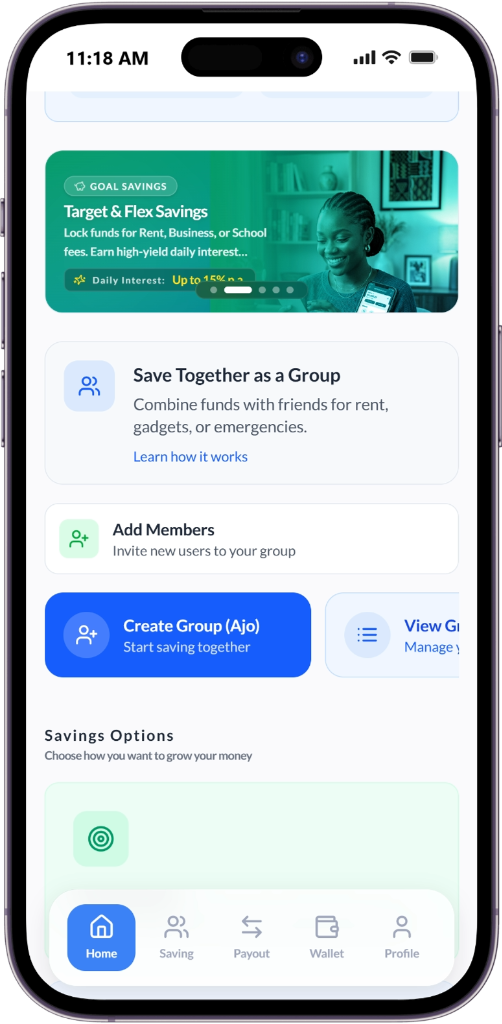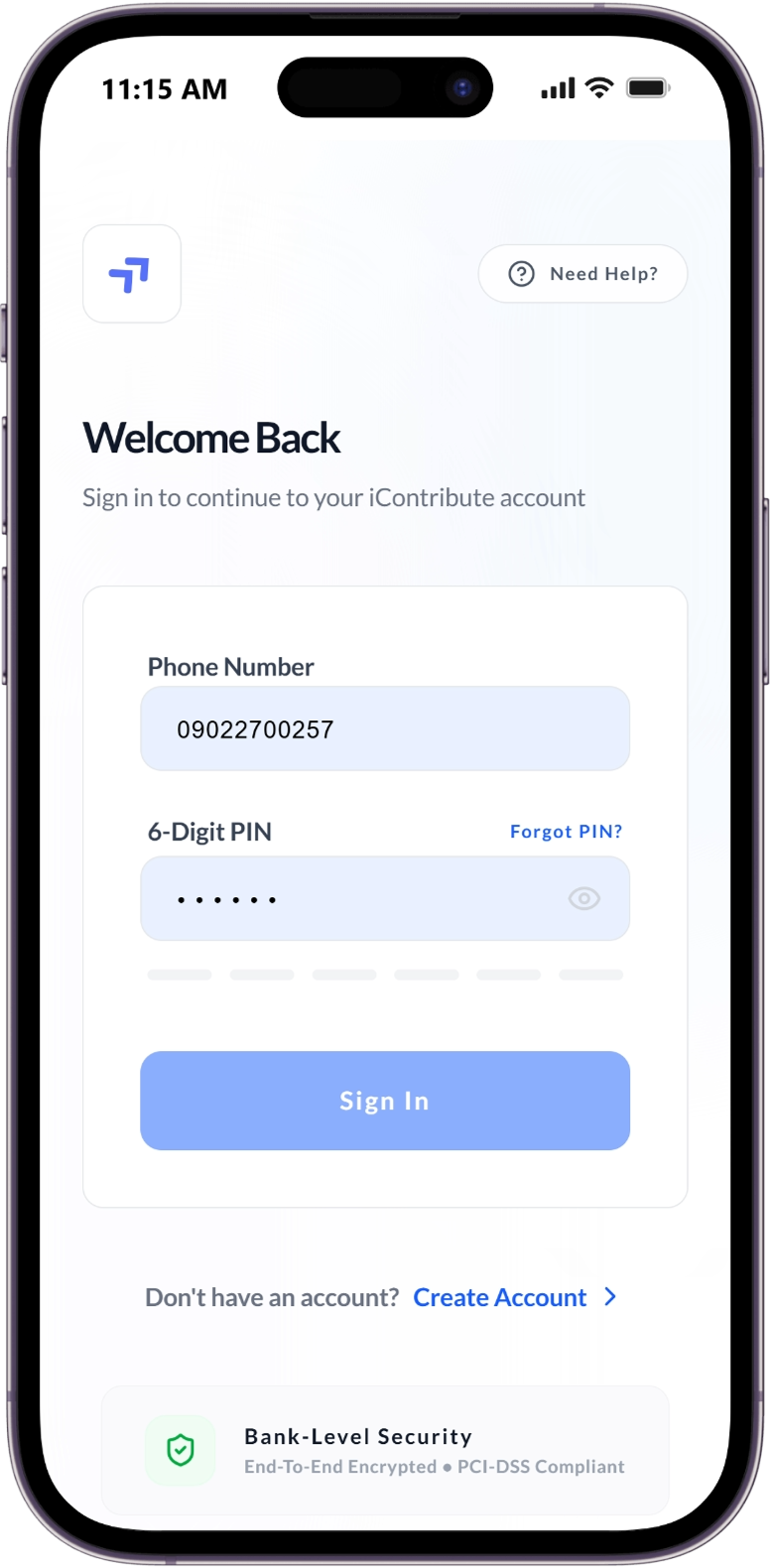
Manage your Ajo and Group Contribution

Save Together. Earn Together.

Icontribute is a community-powered savings platform that digitizes traditional African thrift (AJO) systems—enabling you to save, lend, and grow wealth together.

Savings groups list
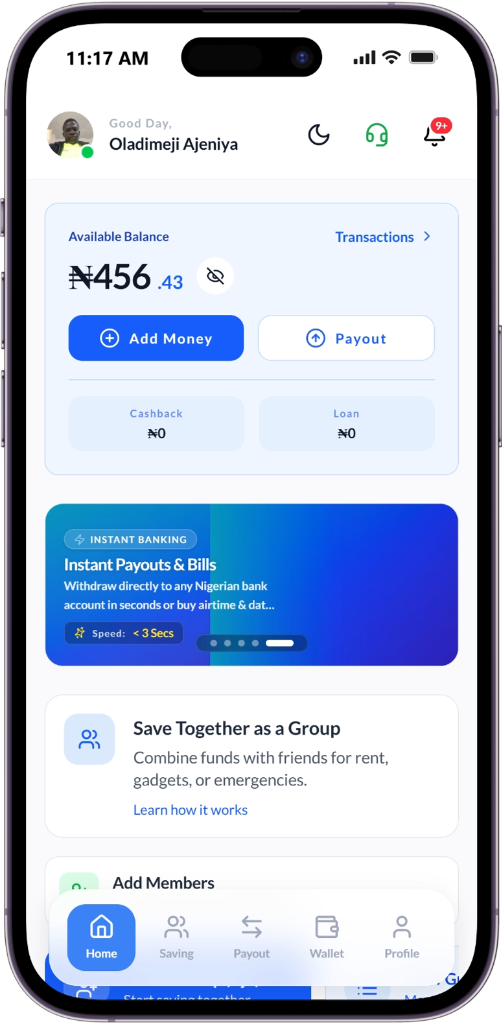
Wallet dashboard
Group details
Transaction history
Trust & Transparency Features

Building Financial Security Together

Two ways to manage your group funds — let Icontribute handle it securely through the platform, or choose Admin-managed for full manual control. Either way, every naira is tracked transparently.

No More Hidden Records

Real-time transaction logs visible to all members eliminate disputes and build trust.

Transparency • Security

Secure Leadership Handover

Seamless transition of admin rights ensures continuity, even if the current leader is unavailable.

Continuity • Access Control

Smart Repayment Enforcement

Automated reminders, grace periods, and peer visibility encourage timely repayments.

Automation • Accountability

One-Tap Leadership Voting

Anonymous, majority-rule voting lets groups replace leaders fairly and efficiently.

Democracy • Fairness

Default Protection System

Escrow-like fund handling ensures defaults don't disrupt the payout cycle for others.

Protection • Stability

Group Loan Facility

Access loans from the collective fund to cover contributions during financial constraints.

Flexibility • Support
Explore All Solutions

Join thousands of groups building financial security together

Quick Installation Guide

Install Icontribute on Your Phone

Get quick access from your home screen—just like a native app! No app store required.

Android (Chrome)
1

Android (Chrome)

Works on all Android devices

  1. 1

    Open Google Chrome

  2. 2

    Visit mobile.icontribute.com.ng

  3. 3

    Tap the three-dot menu (⋮) in top-right

  4. 4

    Select “Install app” or “Add to Home screen”

  5. 5

    Tap “Add” — that’s it!

    The Icontribute icon appears on your home screen

iPhone (Safari)
2

iPhone (Safari)

Works on all iOS devices

  1. 1

    Open Safari

  2. 2

    Go to mobile.icontribute.com.ng

  3. 3

    Tap the Share button (📤) at bottom

  4. 4

    Scroll and tap “Add to Home Screen”

  5. 5

    Tap “Add” — all done!

    The app icon appears on your home screen

Full-Screen Experience

No browser UI—opens like a real app

Faster Loading

Optimized for instant access

Enhanced Security

Secure, encrypted environment

Your Security Is Our Priority

We use bank-grade 256-bit SSL encryption and PCI-DSS compliance to protect your data and funds at all times.

Learn more about our security

Built for Trust & Technology

Everything you need to save, lend, and grow—with your community.

Flexible Thrift Circles

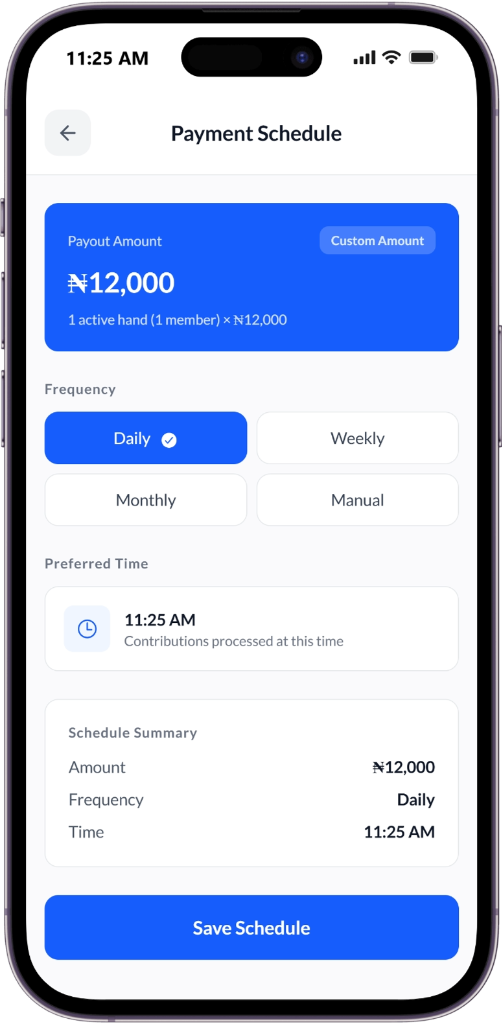
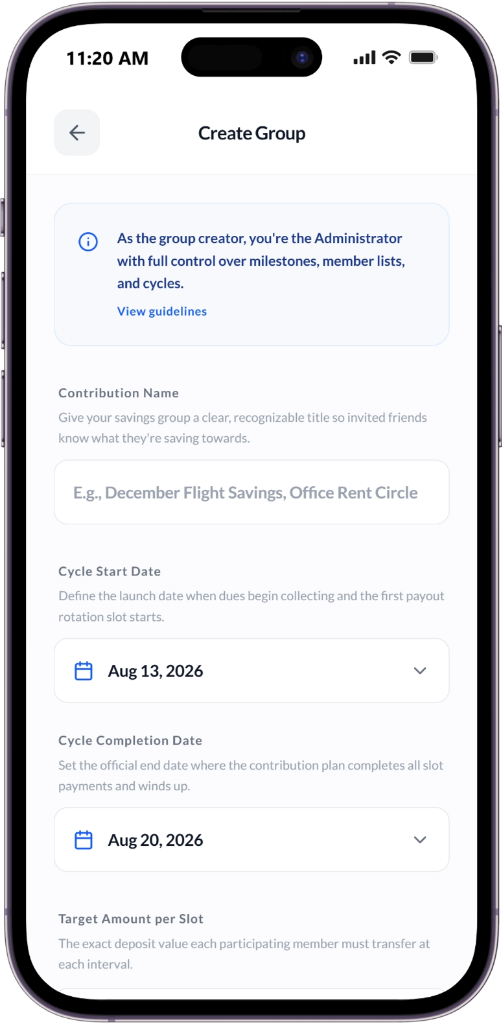
Create groups with Daily, Weekly, Monthly, Yearly, or Custom schedules. Choose Icontribute-managed or Admin-managed fund handling.

Smart Loans & Savings

Access rule-based loans and earn up to 20% p.a. on locked savings.

Transparent Governance

Vote to replace admins and ensure accountability within your group.

Flexible Savings, Powerful Discipline

Our Lock Funds system rewards long-term commitment—with flexibility when life happens.

Landing Type Interest (p.a.) Early Withdrawal
Soft Landing 5% Yes (5% penalty)
Medium Landing 10% Yes (15% penalty)
Hard Landing 15% Yes (25% penalty)
Total Lock 20% Not allowed

Let’s Build Together

Join the movement to empower communities through transparent, trusted finance. We welcome investors, partners, and changemakers.

Contact Us